
Desktop vs. Laptop vs. Mini PC: Which Should You Buy in South Africa? (2026)
Updated 15 October 2026
Most people shopping for a computer are really choosing between three shapes: a full desktop tower, a laptop, or a mini PC that sits on or behind your desk. They run the same software, so the right pick comes down to where you work, how often you move, what load shedding does to your day, and how much you want to spend. This guide compares all three plainly so you can decide before you open a product page.
Laptops: one device that goes with you
A laptop packs the screen, keyboard, trackpad and battery into one unit. If you study, travel, work between home and an office, or simply want to use the couch or the dining table, nothing else comes close for convenience.
The load-shedding advantage: the built-in battery means a laptop keeps running when the power drops, and you only need to keep your Wi-Fi router alive. Our inverter and UPS guide covers how to do that.
The trade-offs: for the same money, a laptop usually gives you less raw performance than a desktop, because everything has to fit in a thin, cool, battery-powered body. Repairs and upgrades are more limited (the screen and keyboard cannot be swapped like a monitor and keyboard), and a battery wears out over the years.
Desktop towers: the most power and upgrade room
A tower or small-form-factor desktop is the traditional choice for a fixed workstation. You add your own monitor, keyboard and mouse, and in return you get more performance for the price, better cooling for long heavy workloads, and parts you can usually replace or upgrade (memory, storage and sometimes more) as your needs change.
The trade-offs: it is not portable, it takes up more desk or floor space, and it has no battery, so a power cut switches it off immediately unless it sits behind a UPS. Remember to budget for a monitor and peripherals if you do not already own them.
Mini PCs: a desktop in a tiny box
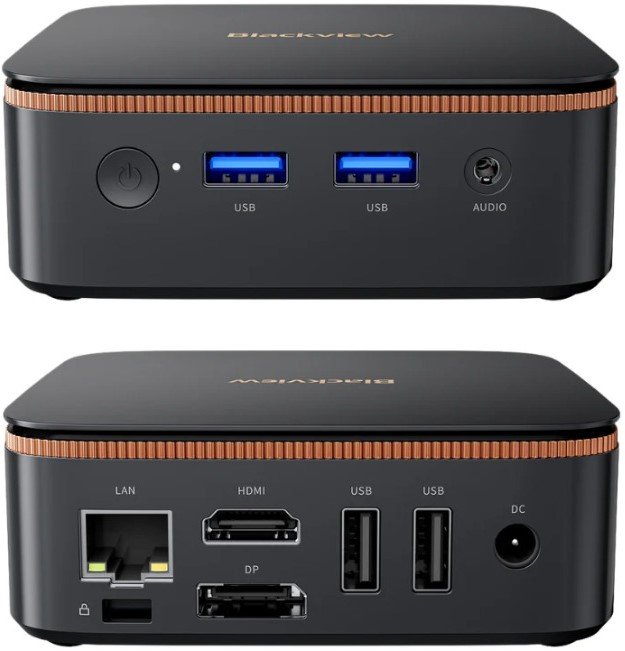
A mini PC (often called a NUC, after Intel's original small-form-factor design) is a complete desktop computer small enough to sit behind a monitor or mount on its back. It uses a laptop-class processor, so it is usually quiet and sips power compared with a tower, which also makes it easier to back up with a small UPS or inverter during load shedding. Like a tower, you supply the monitor, keyboard and mouse.
Mini PCs suit offices, reception desks, point-of-sale counters, home offices, media centres and anyone who wants a tidy desk. Many models are sold as a bare system with no operating system ("No OS"), which saves money if you are happy to install Windows or Linux yourself, so check the listing before you buy.
The trade-offs: less room for upgrades than a tower, usually only memory and storage, and not built for heavy gaming or professional 3D and video work. For everyday office tasks, browsing, video calls and light editing, they are more than enough.
Which should you buy?
- Student, or you work in more than one place: a laptop.
- Home office or shared family computer at a fixed desk: a mini PC if you already own a monitor, a laptop if you want one device that does everything.
- Small business, reception or point of sale: a mini PC. It is compact, quiet and easy to power through an outage.
- Demanding work, gaming or a machine you want to upgrade for years: a desktop tower, or a high-end laptop if you need portability as well.
- Tightest budget: compare entry-level laptops against entry-level mini PCs, and remember a mini PC still needs a monitor and keyboard.
Specs worth checking on any of them
- Processor tier: an entry-level chip is fine for browsing and documents; step up for spreadsheets, multitasking and photo editing.
- Memory (RAM): more memory keeps many tabs and apps running smoothly. Check whether it can be upgraded later; on many laptops it cannot.
- Storage: an SSD makes any computer feel faster than an older hard drive. Check the capacity fits your files.
- Operating system: confirm whether Windows is included or whether the machine is "No OS".
- Running costs: a low-power machine costs less to run and to back up. Our guide to reducing your electricity bill explains where the power goes in a home.
Shop mini PCs & desktops

Blackview MP20 AMD Ryzen 3 3300U Professional Mini Desktop

Decibell N3A Intel Core I3 1215U Professional Mini Desktop PC
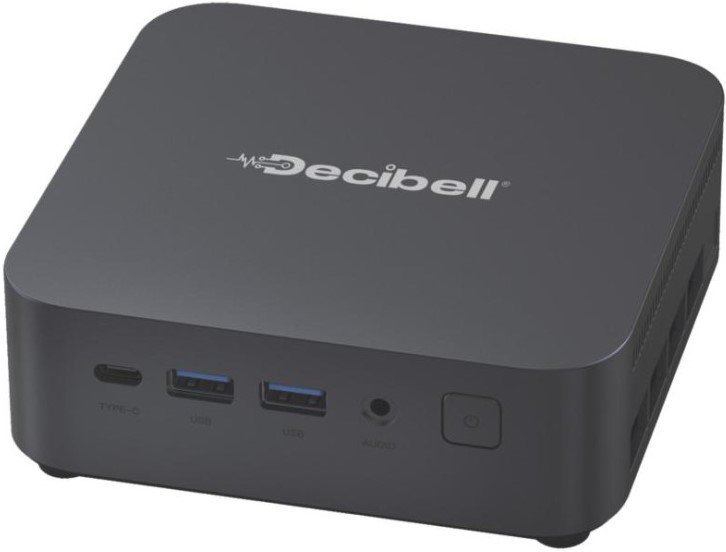
Decibell N3ES AMD Ryzen 5 7530U Professional Mini Desktop

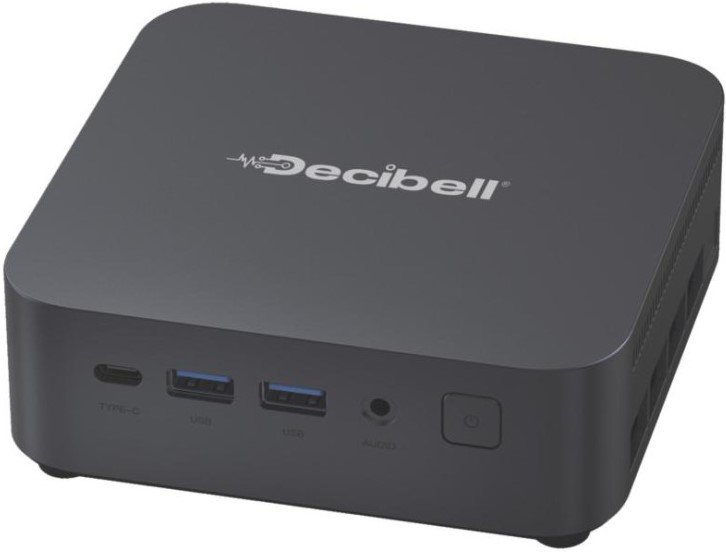
Decibell N3A AMD Ryzen 7 7730U Professional Mini Desktop
Shop laptops



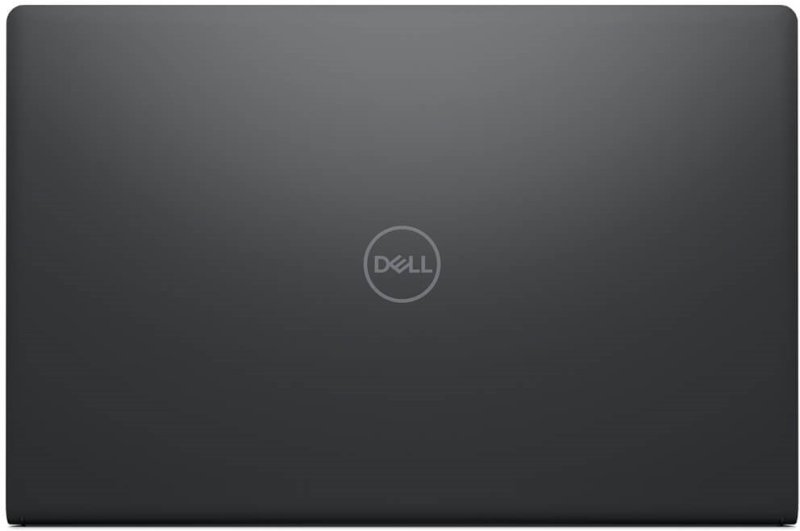
Dell Pro 15 Essential PV15250 Intel Core 3 Professional Laptop


Keeping a computer running through outages? Read our inverter & UPS guide, or browse all buying guides.